Most AI blogging workflows are built backwards. They start with "how many posts can we publish this month?" and end with a human skimming the draft for typos. That is the exact workflow Google's spam policy describes, and the one the 2026 survey data says stopped working.
This guide flips it. Below is an AI blogging workflow where the machine does the fast, boring jobs and a person does the jobs that decide whether a post ranks, gets cited, and earns trust. We checked every figure in this article against its original source on 9 November 2026.
Quick verdict: Use AI for research help, outlines, line edits, and repurposing. Keep a human in charge of the angle, the first-hand evidence, the final edit, and the fact-check. If AI is writing the whole post and a person is only approving it, you are building a site that the next core update will treat as filler.
The direct answer: what an AI blogging workflow should look like
In plain English, a workflow that survives core updates has eight steps, and only four of them belong to AI:
- Pick the topic and angle (human). Choose something you have actually done, tested, or measured.
- Research (AI-assisted, human-verified). Let AI find and summarise sources; you open the primary ones.
- Outline (AI-assisted). Ask AI to attack your outline, not write it.
- Add first-hand material (human only). Tests, screenshots, numbers, mistakes, opinions.
- Draft (either). AI can turn your notes into rough sections; you rewrite them in your voice.
- Edit (human). A person reads it as a reader would. AI handles grammar and clarity only.
- Fact-check and publish (human). Every number, price, and claim, including meta descriptions and alt text.
- Repurpose (AI). Newsletter, social posts, short summaries.
Who this is for: solo bloggers and small teams who already use ChatGPT or Claude and want to keep the speed without the ranking risk. Who it is not for: anyone trying to publish hundreds of pages a month with no one reading them. No workflow fixes that, and Google has a name for it.
Why the workflow matters more than the tool
Here's the catch most "best AI writing tool" lists miss: the tool you use barely matters. How you use it does.
The best evidence for that comes from Orbit Media's annual blogging survey, which asked 1,042 content marketers about their process in 2026. Three findings stand out:
- 92.4% now use AI for blogging, and Orbit found that AI use "correlates with nothing." AI users and non-users were equally likely to report strong results.
- Only 13.9% said their blog delivers strong results, the lowest share since the survey began in 2014.
- Human editing is one of the habits linked to stronger results. Orbit reports that marketers with a formal, human-led editing process are much more likely to report strong results, while those who hand editing to AI do worse than the 14% benchmark. A copywriter quoted in the report summed it up: the human-editor group "beats it by nearly 2X."
Orbit also estimates AI saves the average content marketer about 50 hours of writing a year compared with 2022. Most of them, by the look of the results, spent that time publishing more of the same. We covered the full survey in our roundup of blogging statistics.
Our take: AI is now table stakes. It will not put you ahead, but refusing it may leave you behind. The edge comes from what you do with the hours it saves.
What Google actually says about AI content
Most beginners get this wrong in one of two directions: they think Google bans AI content, or they think Google does not care at all. Neither is right.
Google's own guidance says generative AI "can be particularly useful when researching a topic, and to add structure to original content." The same page warns that using AI "to generate many pages without adding value for users may violate Google's spam policy on scaled content abuse." The spam policy itself defines scaled content abuse as many pages made "for the primary purpose of manipulating search rankings and not helping users," and says this applies "no matter how it's created."
Google's guidance also asks publishers to fact-check AI output before publishing, and it specifically includes title elements, meta descriptions, structured data, and image alt text in that review. Those are exactly the bits most people let AI write unsupervised.
So the rule is not "no AI." It is "no unreviewed, unoriginal pages at scale." If you are recovering from a hit, our core update recovery plan for affiliate blogs walks through the page-by-page audit.
What the ranking data shows
Two large studies looked at AI content in search results. They measure different things, and reading them together is more useful than reading either alone.
Ahrefs ran 600,000 pages ranking in the top 20 for 100,000 random keywords through its own AI detector. It classed 4.6% as pure AI, 13.5% as pure human, and 81.9% as a mix. The correlation between a page's AI share and its ranking position was 0.011, effectively zero. Pages ranking #1 tended to have slightly less AI content, but Ahrefs calls that link very weak.
How much AI content top-ranking pages contain
Share of 600,000 pages in Google's top 20, classified by Ahrefs' AI detector
- Mix of AI and human
- Pure human
- Pure AI
- Mix of AI and human81.9%
- Pure human13.5%
- Pure AI4.6%
Graphite asked a sharper question: how many articles are primarily AI-generated? Across 55,400 English articles sampled from Common Crawl, about half of new articles published in Q1 2026 (49.9%) were primarily AI-generated, averaged across three detectors. But in a separate study of 31,493 keywords collected in June 2025, only 14% of articles in Google results were AI-generated, and just 7% of articles in the #1 spot. In ChatGPT and Perplexity citations, the share was 18%.
Primarily AI-generated articles: published vs. ranking vs. cited
Share of English articles classified as primarily AI-generated
In plain English: AI-assisted pages rank fine. Pages that are mostly AI make up half of what gets published but a small slice of what ranks or gets cited. The difference between those two groups is the human work in the middle. That is the whole argument for the workflow below.
Warning: Both studies rely on AI detectors, which are statistical guesses, not proof. And both only look at pages that already rank, so they cannot count the AI-heavy pages that never made it. Treat them as direction, not a formula.
The AI blogging workflow, step by step
We have not tested every tool below hands-on for this article, so tool notes are based on public pricing and documentation, checked on 9 November 2026. The workflow itself comes from what Google's guidance and the survey data reward.
| Step | AI's job | Your job | Tools that fit |
|---|---|---|---|
| 1. Topic and angle | Suggest related questions and gaps | Pick a topic you have real experience with; write your opinion first | ChatGPT, Claude |
| 2. Research | Find sources, summarise long documents | Open and read every primary source you cite | Perplexity, NotebookLM |
| 3. Outline | Poke holes: "what would a sceptical reader ask?" | Decide the structure and the order | ChatGPT, Claude |
| 4. First-hand material | Nothing | Tests, screenshots, your numbers, your mistakes | Your own notes |
| 5. Draft | Turn your notes into rough paragraphs | Rewrite in your voice; cut anything generic | Claude, ChatGPT |
| 6. Edit | Grammar, clarity, shorter sentences | Read it as the reader; check the promise is kept | Grammarly, QuillBot |
| 7. Fact-check and SEO | Flag claims that need a source | Verify every number, price, title, meta and alt text | Surfer SEO for on-page checks |
| 8. Repurpose | Newsletter, social posts, summaries | Approve and adjust | ChatGPT, Claude |
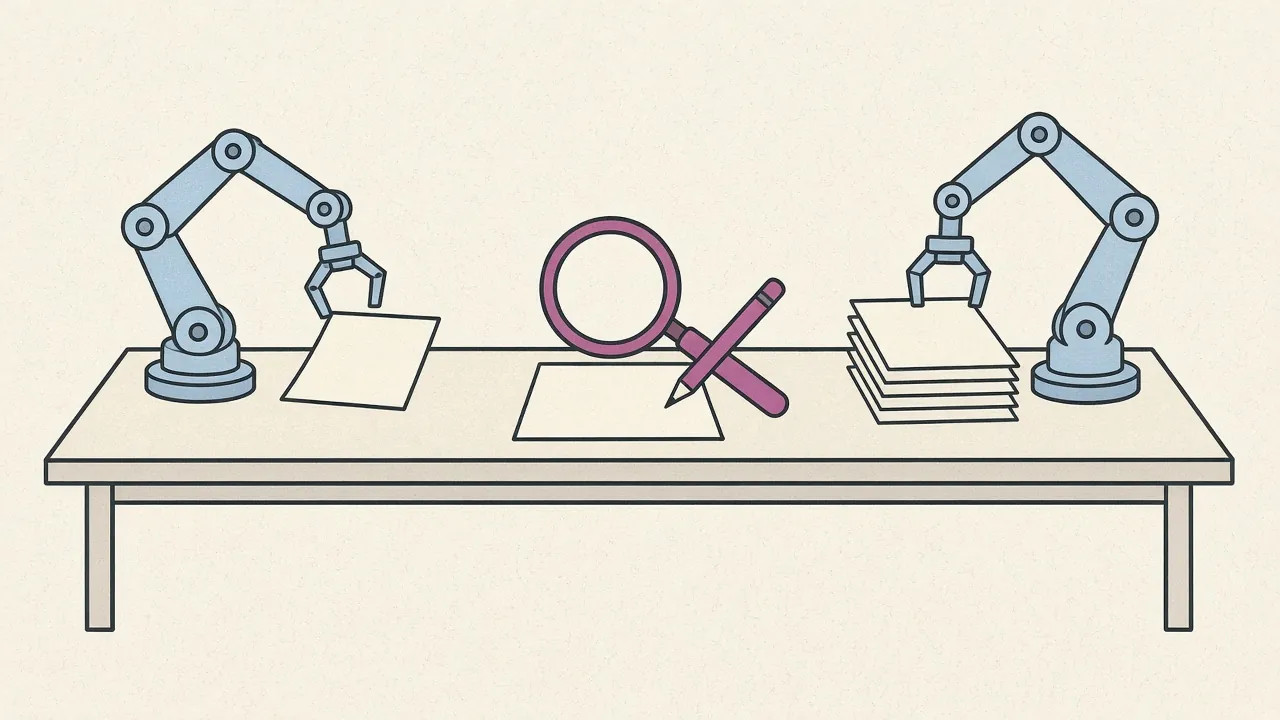
Step 1: Pick the angle before you open a chatbot
Write two sentences before you prompt anything: what you believe about the topic, and who should not follow your advice. If you cannot, you do not have an article yet, and AI will happily fill the gap with the average of everything already ranking. Google's own advice for AI search features says the same thing in different words: bring "a unique point of view" and avoid "commodity content."
Step 2: Research with AI, verify without it
This is where AI genuinely saves hours. Perplexity is good at finding sources quickly. NotebookLM is useful when you already have the sources: upload the PDFs, reports, and transcripts, and it answers from those documents rather than from the open web.
But here's the rule: AI finds sources, people read them. Models predict likely words, and Google's guidance says plainly that AI output "may contain inaccuracies." Every statistic in your post should come from a page you opened yourself.
Real-world tip: Ask your research assistant to return the exact URL and the exact sentence for each claim. If it cannot give you both, treat the claim as unverified.
Step 3: Use AI as a critic, not an author
Give ChatGPT or Claude your outline and ask: "What would an experienced reader say is missing?" or "Which section would a sceptic disagree with?" You get the benefit of a second pair of eyes without handing over the structure. Our earlier piece, AI writing tools: an honest assessment, found the same thing: models are consistently useful as critics.
Step 4: Add the material AI cannot make
This is the step that decides whether a post survives a core update. Include at least two of these in every post:
- A test you ran, with the date and what you used.
- Your own screenshots, not stock images or AI renders of a dashboard.
- A number from your own site, list, or account.
- A mistake you made and what it cost.
- A clear "who should not buy this."
If you cannot add any of these, ask whether the post should exist. Ten posts with evidence beat fifty without it.
Step 5: Draft from your notes, then rewrite
If you use AI to draft, feed it your notes from step 4, not just a keyword. Then rewrite every paragraph in your own voice. The quick test: if a sentence could appear on any of the top ten results, cut or replace it.
Step 6: The human edit
The edit is where the survey data is clearest, so give it real time. A good human edit asks: does the intro make the promise, does the body keep it, is every claim earned, and is the advice specific enough to act on? Grammarly and QuillBot are useful afterwards for grammar and readability. They should not be the editor.
If you blog alone, become your own formal editor: a written checklist, a day's gap between drafting and editing, and reading the post out loud. Swap edits with another blogger if you can.
Step 7: Fact-check everything that shows in search
Check numbers, prices, dates, and quotes against the primary source on the day you publish. Then check the parts Google specifically names: the title, meta description, structured data, and image alt text. These are the parts people most often let AI write unsupervised, and they are what searchers see first.
Warning: AI tools state outdated prices with total confidence. On pricing-heavy posts, the fact-check can take longer than the draft. Budget for that instead of skipping it.
Step 8: Repurpose with AI
Turning a finished post into a newsletter, a short summary, and social posts is mechanical work, and AI is very good at it. This is the highest-value use for most bloggers because the facts are already checked. If you want those summaries to help with AI search, our guide on how to get your blog cited by ChatGPT and AI Mode covers the technical side.
A real example: one post, two workflows
Here is how the same topic plays out both ways. This is an illustration, not a case study.
Topic: "Is Kit worth it for a new food blog?"
- Volume workflow: prompt "write a 2,000-word article on Kit for food bloggers," add a featured image, publish. The result reads like every other result because it was built from them. No test, no numbers, no reason for Google or ChatGPT to prefer it.
- Survival workflow: you set up a free account, import 300 subscribers, and note what broke. AI summarises Kit's pricing page and help docs, then critiques your outline. You write the verdict, add screenshots, and fact-check the plan limits on the day. AI turns the final post into a newsletter. Our email marketing comparison for bloggers is an example of the kind of dated pricing check step 7 asks for.
The second version takes longer. It is also the only one with something a reader cannot get from a chatbot.

Mistakes to avoid
- Letting AI choose the topic. It will pick what is already covered. That is the opposite of an angle.
- Publishing AI statistics without opening the source. This is how fake numbers spread from blog to blog.
- Using AI as the final editor. The survey data links this to weaker results.
- Scaling before quality. Publishing more pages faster is exactly what the scaled content abuse policy targets.
- Letting AI write meta descriptions and alt text unchecked. Google names both as things to review.
- Hiding how you work. Google suggests telling readers how content was created where it makes sense. A short "how we wrote this" note costs nothing.
- Generating fake screenshots or charts. If you did not see it, do not show it.
Tools for each stage
- Research: Perplexity for finding sources, NotebookLM for working from your own documents.
- Thinking, outlining, and drafting: Claude and ChatGPT. Both have free plans. ChatGPT Plus is $20 a month; Claude Pro is $20 a month, or $17 a month billed annually, per their pricing pages on 9 November 2026.
- Line editing: Grammarly, QuillBot.
- On-page SEO checks: Surfer SEO.
Our take: For a solo blogger, one paid chatbot plus free NotebookLM and a free grammar checker covers almost everything. Before you spend money on a stack of AI writing tools, spend the time on step 4.
Final verdict
AI makes blogging faster. The 2026 data says faster did not make it better, and Google's policies say scale without value is a risk. The workflow that survives core updates is simple to describe and harder to follow: let AI handle research help, critique, line edits, and repurposing, and keep a human in charge of the angle, the evidence, the edit, and the fact-check.
Best setup by situation:
- Solo blogger on a budget: one chatbot (free or Plus/Pro), NotebookLM, and a written editing checklist.
- Small team: add a dedicated human editor before you add another AI tool.
- Recovering from a core update: stop new AI-heavy posts and audit what is live first.
Watch out: AI detectors, AI-written metadata, and AI statistics are all guesses until a person checks them.
Your next step: take your next post and write step 1 and step 4 by hand before you open a chatbot. Then let AI do the rest of the jobs on the list above.